
Ballot Box Symbols
6 symbols · Miscellaneous Symbols and 1 more Unicode block
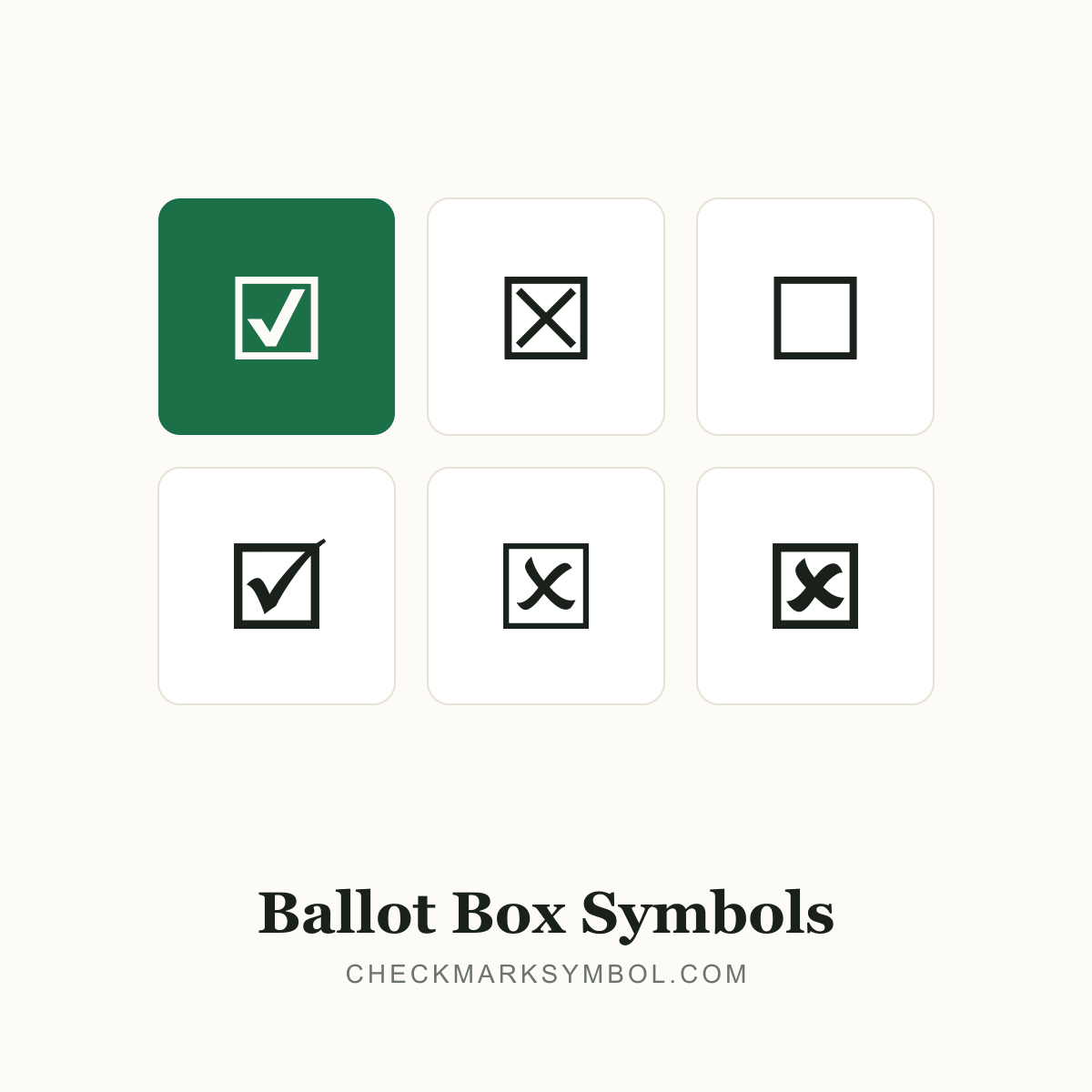
Ballot box symbols are the text versions of a checkbox. ☐ (U+2610) is the empty box, ☑ (U+2611) a box with a tick, ☒ (U+2612) a box with an X, and the 1F5F4–1F5F9 range adds hand-drawn ballot marks such as 🗹 and 🗵.
The useful property is alignment. Because every box is the same width and sits on the same baseline, a list built from ☐ and ☑ stays a list — no images, no table, no indentation tricks. Paste it into an email, a chat message, a slide or a plain-text file and the columns still line up.
These characters are text, not controls: nothing can be clicked, checked or submitted. For a real checkbox you need HTML, a PDF form or a word-processor control — this page covers the character you can drop anywhere.
Copy ballot box symbols
Click a tile to copy it. The symbol arrives as plain text — no styling, no hidden characters.
Ballot box symbols with codes
Every member of this family with its Unicode code point, HTML entity and — where one exists — its Windows Alt code.
| Symbol | Name | Unicode | HTML | Alt code |
|---|---|---|---|---|
| Ballot box with check | — | |||
| Ballot box with X | — | |||
| Ballot box | — | |||
| Ballot box with bold check | — | |||
| Ballot box with script X | — | |||
| Ballot box with bold script X | — |
When to use these
- Build a static to-do list: ☐ draft the email / ☑ send the invoice / ☐ archive the thread.
- Mark a form by hand: ☑ for selected, ☒ for declined, ☐ for left blank.
- Compare features in plain text: ☑ included, ☒ not included — no table needed.
How to type ballot box symbols
These characters are not on any English keyboard, but every system has a route to them. Pick your platform:
Windows
- In Word or WordPad, type 2611 and press Alt+X to produce ☑ without leaving the keyboard.
- Elsewhere, press Win + . and pick the box you need from the Symbols tab.
Tip: ☐ ☑ ☒ have no Alt codes — they are not in the ANSI or OEM code pages, so the old Alt+numpad recipes do not work.
Mac
- Press Control + Command + Space to open the Character Viewer.
- Search “ballot” and double-click ☐, ☑ or ☒ to insert it.
Tip: The Character Viewer shows each box with its name, so you can tell ☑ (with check) from ☒ (with X) at a glance.
iPhone & Android
- Phone keyboards do not carry the ballot box characters.
- Copy the box you need from this page and paste it into your note, message or list.
Tip: Once pasted, ☑ behaves like text — you can duplicate the line and delete the tick to make an empty ☐ for the next item.
Prefer the full walkthrough? Read how to type a check mark on Windows, Mac, iPhone and Android.
Ballot box symbols questions
What does ☑ mean?
☑ is BALLOT BOX WITH CHECK (U+2611): a checkbox that has been ticked. It is used for “selected”, “done” or “yes” in static lists. Its empty counterpart is ☐ and its crossed counterpart is ☒.
Can I click a ballot box character to tick it?
No. ☐ ☑ ☒ are ordinary text characters, not form controls — there is no state to change. An interactive checkbox has to be built in HTML, in a PDF form, or with the checkbox control in Word or Excel.
How do I make a checklist with checkboxes in plain text?
Start each line with ☐ and replace it with ☑ as you finish: “☐ book the room”. Because both characters have the same width in most fonts, the text after them stays aligned. Use a monospace font if you want the alignment to be exact.
What is the difference between ☑ and ✅?
☑ is a plain text box with a check that inherits the text color and font; ✅ is the green color emoji. Use ☑ in documents and ✅ in chat — and remember that ✅ is drawn by the emoji font, so it cannot be recolored.