
Cross Mark Symbols
13 symbols · Dingbats and 5 more Unicode blocks
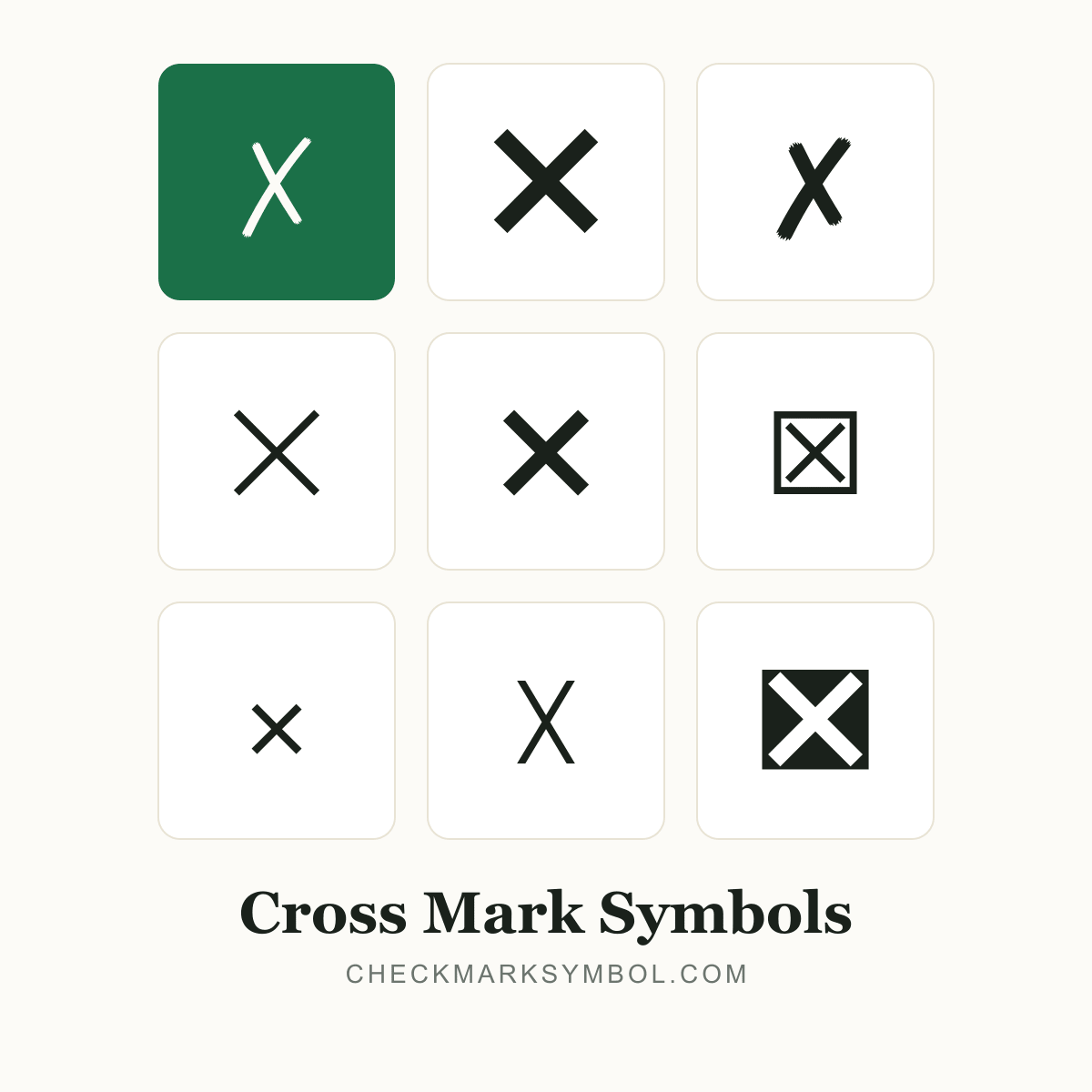
The cross mark is the check mark’s opposite: a pair of strokes that means no, wrong, not allowed or not done. Unicode does not have one character for it — it has more than a dozen, and they are not interchangeable.
✗ (U+2717, BALLOT X) and ✘ (U+2718, HEAVY BALLOT X) are drawn like a hand-written X and carry the judgment. ✕ and ✖ (U+2715, U+2716) are geometric multiplication crosses, the shape used for close and delete buttons. × (U+00D7) is the arithmetic times sign — the only cross here with a real Alt code and a legacy HTML entity. ☓ is a heraldic saltire, ╳ is a box-drawing character for monospace diagrams, and ❌ / ❎ are the color emoji.
When a cross sits beside a tick, make the pair do the work: ✓/✗ and ✔/✘ are readable in grayscale and by people who cannot distinguish red from green. Color should reinforce the meaning, never carry it alone.
Copy cross marks
Click a tile to copy it. The symbol arrives as plain text — no styling, no hidden characters.
Cross marks with codes
Every member of this family with its Unicode code point, HTML entity and — where one exists — its Windows Alt code.
When to use a cross
- Use ✗ for “incorrect” and “no” in text, and ✘ when it needs more weight.
- Use ✕ or ✖ for close, remove and delete affordances — they carry no judgment.
- Use × for arithmetic and dimensions (3 × 4), and for the widest font compatibility.
How to type cross marks
These characters are not on any English keyboard, but every system has a route to them. Pick your platform:
Windows
- Hold Alt and type 0215 on the numeric keypad for × (turn Num Lock on first).
- In Word, type 2717 and press Alt+X for ✗, or 2718 for ✘.
Tip: × is one of only two characters on this site with a real Alt code — √ is the other. The Alt+10007-style codes quoted online do not exist.
Mac
- Press Control + Command + Space to open the Character Viewer.
- Search “ballot X”, “multiplication X” or “cross mark” and double-click the one you want.
Tip: For ❌ simply open the emoji picker (Control + Command + Space) and search “cross mark”. There is no default Mac shortcut for the text-style ✗.
iPhone & Android
- Open the emoji keyboard and search “cross mark” or “x” for ❌ and ❎.
- For the plain text ✗ or ✕, copy it from this page — phones do not put them on a keyboard.
Tip: The emoji ❌ is the red X most people mean by “cross mark emoji”, but it is a full emoji: it cannot be recolored or restyled like text — its size follows the font size, but its look is fixed.
Prefer the full walkthrough? Read how to type a check mark on Windows, Mac, iPhone and Android.
Cross marks questions
What is the cross mark symbol?
A cross mark is an X-shaped symbol meaning “no”, “incorrect” or “not done”. The plain text form is ✗ (U+2717, BALLOT X); the emoji form is ❌ (U+274C, CROSS MARK); the arithmetic form is × (U+00D7).
What is the difference between ✗, ✕ and ×?
✗ is a hand-written ballot X with a judgmental meaning; ✕ is a geometric multiplication cross used for close buttons; × is the arithmetic times sign, which also happens to be the only cross with an Alt code (0215) and a legacy HTML entity (×). Shape and context tell them apart.
How do I type a cross mark on Windows?
For × hold Alt and type 0215 on the numeric keypad. For ✗ type 2717 and press Alt+X in Word, or press Win + . and choose a cross from the Symbols tab. There is no Alt code for ✗ itself.
Should I use ✗ or ❌ in a table?
Use the text character ✗ for tables and documents: it matches the type, inherits the color and prints reliably. ❌ is an emoji, so it brings its own size and color and will look out of place next to body text.