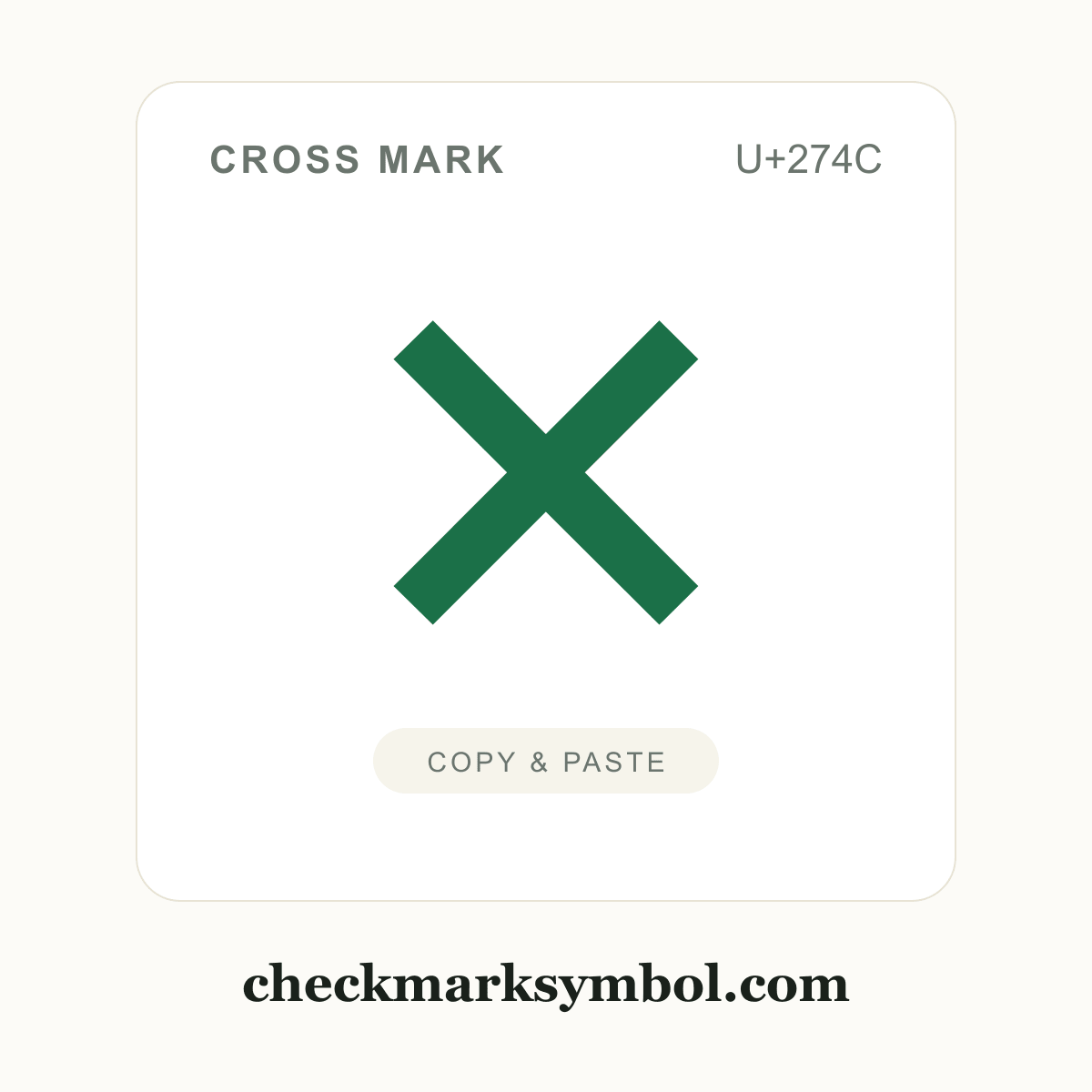
Cross mark
CROSS MARK · U+274C · Dingbats
no · failed · canceled
The color emoji X: a thick red cross. On phones and in chat it means “no”, “failed” or “canceled” instantly. As an emoji its size and color come from the system font, so it rarely matches the text set around it — which is exactly why it stands out in a message. Click the tile to copy ❌, then paste it anywhere with Ctrl+V (Windows), Cmd+V (Mac) or a long-press → Paste on a phone.
❌ codes
Every way to reference ❌ in text and code. Click the character or any chip to copy it.
| Format | Code | Used in |
|---|---|---|
| Character | Copy once, paste anywhere — plain text with no styling | |
| Unicode code point | The character’s official ID in the Unicode standard | |
| HTML entity (decimal) | Works in HTML, XML, email and CMS rich text | |
| HTML entity (hex) | The same character written in hexadecimal | |
| CSS escape | Inside content: "…" in a stylesheet | |
| JavaScript | Inside a JavaScript string literal | |
| Windows Alt code | — | No Alt code for this character — use Alt+X in Word or Win + . instead Why? |
How to type ❌
❌ is not printed on most keyboards, but every device hides a route to it. Pick your platform:
Windows
- In Word, WordPad or OneNote, type the hexadecimal code point 274C.
- Press Alt+X: the code converts into the character in place.
Tip: ❌ has no classic Windows Alt code. Use Win + . (emoji panel), Alt+X in Word, or copy the character from this page. In Excel, =UNICHAR(10060) returns it.
Mac
- Press Control + Command + Space to open the emoji picker and Character Viewer.
- Search “Cross mark” and double-click the result to insert it.
Tip: ❌ is an emoji character: the picker inserts the emoji sequence, so it may look colored even though this page copies the plain code point.
iPhone & Android
- Open the emoji keyboard on iOS or Android and use its search field.
- Tap ❌ to insert it — the phone draws its own color emoji version.
Tip: Emoji look different on every platform. What you copy here is the character; the color comes from the device that shows it.
Customize ❌
Style the tick your way — pick a color, size and shape, then copy the HTML snippet or download a square PNG or SVG with a transparent background.
The PNG keeps the preview’s square shape and transparent background, at four times the preview resolution. The SVG stays sharp at any size.
Use ❌ in practice
More check mark emoji