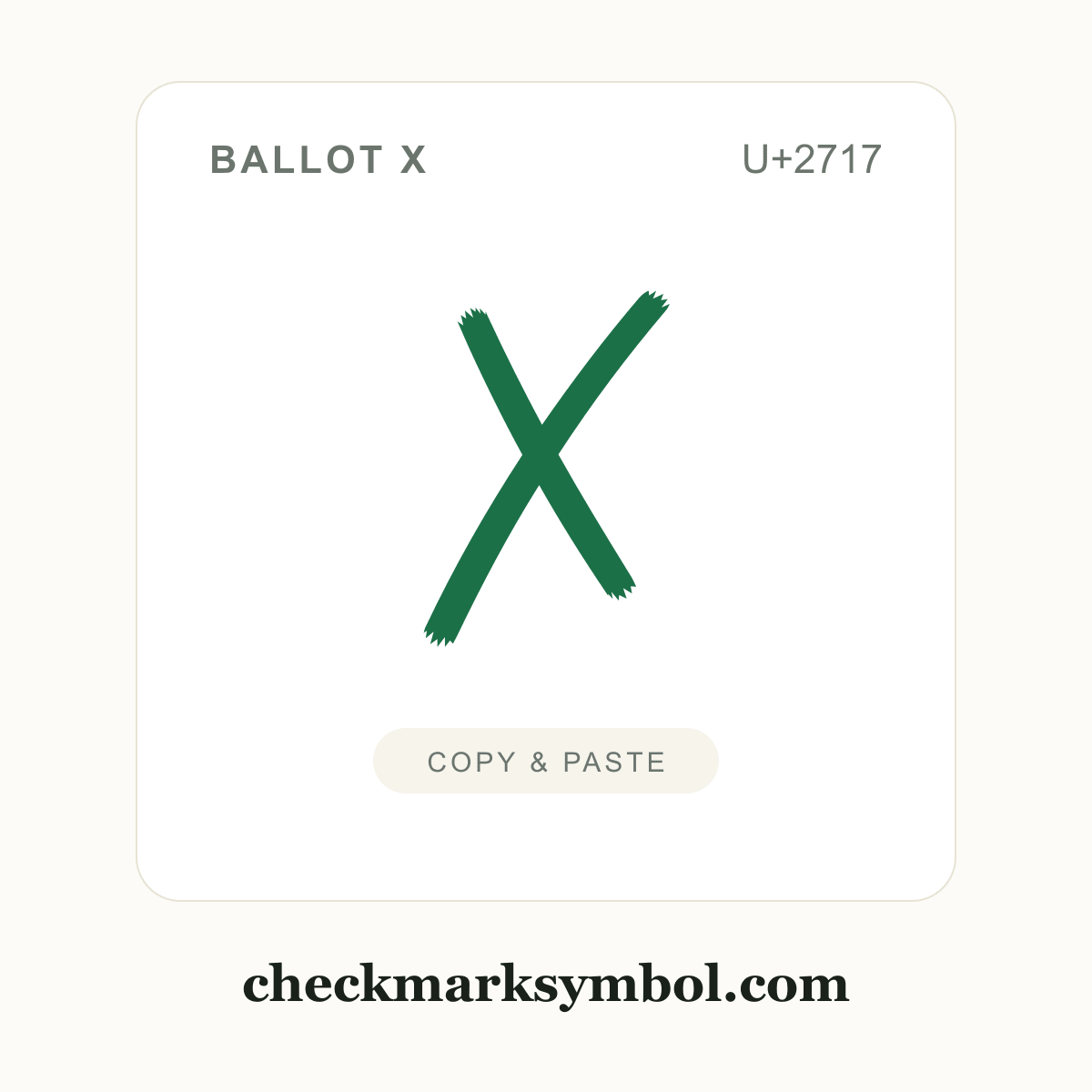
Ballot X
BALLOT X · U+2717 · Dingbats
no · incorrect
A thin X meaning “no”, “wrong” or “incorrect”. Despite the name it is not boxed — “ballot” refers to the way it marks a choice. Pair it with ✓ for a compact yes/no or true/false column, and never let color be the only thing that tells the two apart. Click the tile to copy ✗, then paste it anywhere with Ctrl+V (Windows), Cmd+V (Mac) or a long-press → Paste on a phone.
✗ codes
Every way to reference ✗ in text and code. Click the character or any chip to copy it.
| Format | Code | Used in |
|---|---|---|
| Character | Copy once, paste anywhere — plain text with no styling | |
| Unicode code point | The character’s official ID in the Unicode standard | |
| HTML entity (named) | HTML5 named reference — not recognized by XML or HTML4 parsers | |
| HTML entity (decimal) | Works in HTML, XML, email and CMS rich text | |
| HTML entity (hex) | The same character written in hexadecimal | |
| CSS escape | Inside content: "…" in a stylesheet | |
| JavaScript | Inside a JavaScript string literal | |
| Windows Alt code | — | No Alt code for this character — use Alt+X in Word or Win + . instead Why? |
How to type ✗
✗ is not printed on most keyboards, but every device hides a route to it. Pick your platform:
Windows
- In Word, WordPad or OneNote, type the hexadecimal code point 2717.
- Press Alt+X: the code converts into the character in place.
Tip: ✗ has no classic Windows Alt code. Use Win + . (emoji panel), Alt+X in Word, or copy the character from this page. In Excel, =UNICHAR(10007) returns it.
Mac
- Press Control + Command + Space to open the Character Viewer.
- Search “Ballot X” and double-click the symbol to insert it.
Tip: There is no default Mac shortcut for this character, so the Character Viewer is the reliable keyboard route.
iPhone & Android
- Phone keyboards do not include ✗.
- Tap the tile above to copy it, then long-press the text field and choose Paste.
Tip: Set up a text replacement on iOS (Settings → General → Keyboard) or Android to type a short code and get the symbol back.
Customize ✗
Style the tick your way — pick a color, size and shape, then copy the HTML snippet or download a square PNG or SVG with a transparent background.
The PNG keeps the preview’s square shape and transparent background, at four times the preview resolution. The SVG stays sharp at any size.
Use ✗ in practice
More cross marks