
Check Mark Emoji
6 symbols · Dingbats and 1 more Unicode block
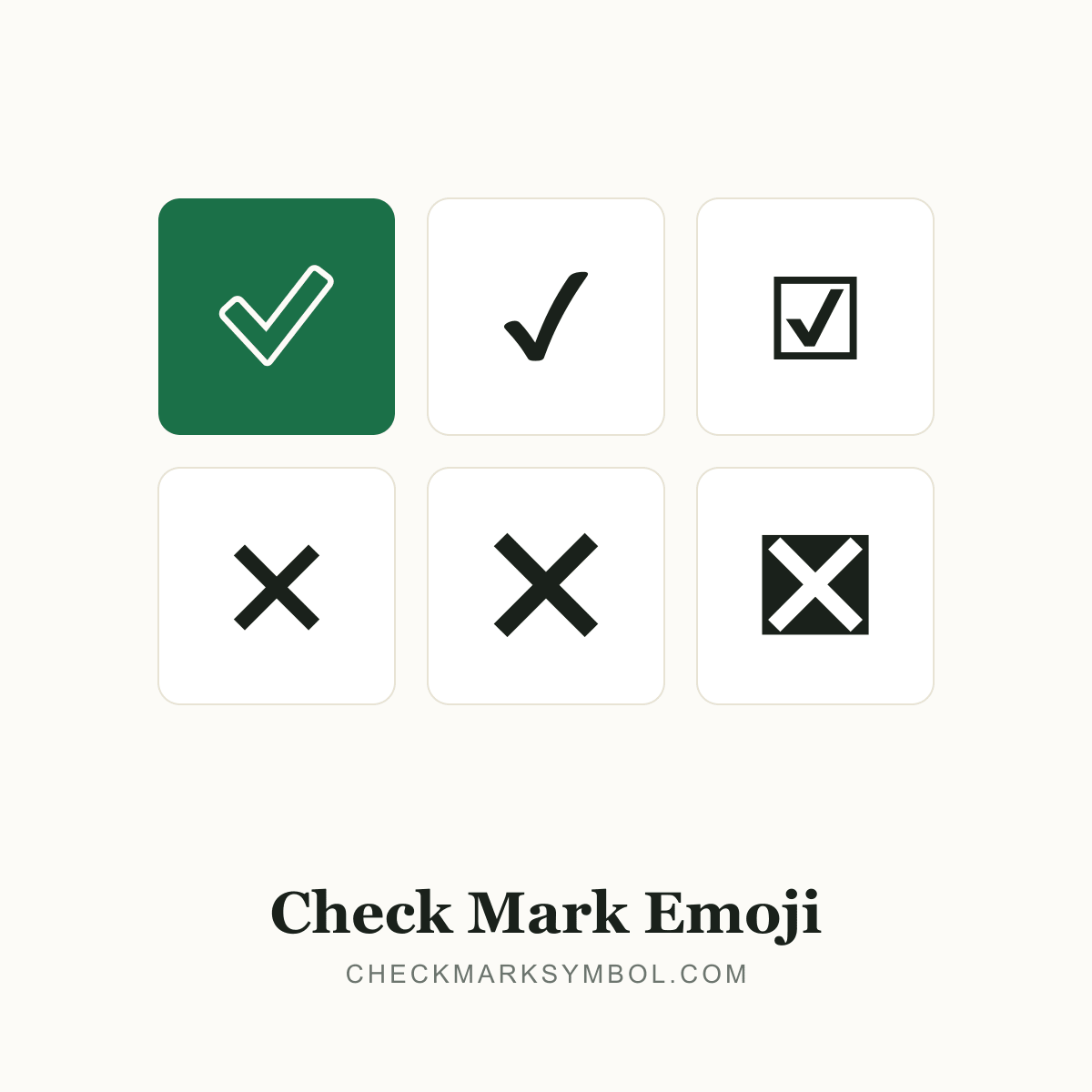
The checkmark emoji — also written as two words, check mark emoji — is a tick that phones and chat apps draw in color rather than as a plain glyph. The best known is ✅ (U+2705, WHITE HEAVY CHECK MARK) — a white tick in a green rounded square — followed by ❌ (U+274C, a thick red cross) and ❎ (U+274E, a white cross in a green square).
Three more characters belong here by behavior rather than by encoding: ✔, ☑ and ✖ are emoji-capable but text-style by default. Add the variation selector U+FE0F after them and they render as ✔️, ☑️ and ✖️ — the color versions. Without the selector they stay monochrome and inherit the text color.
Because emoji are drawn by the operating system, the same character looks different on iPhone, Android, Windows and in a browser. Copy the character, not a screenshot, and it will always match the device it lands on.
Copy check mark emoji
Click a tile to copy it. The symbol arrives as plain text — no styling, no hidden characters.
Check mark emoji with codes
Every member of this family with its Unicode code point, HTML entity and — where one exists — its Windows Alt code.
| Symbol | Name | Unicode | HTML | Alt code |
|---|---|---|---|---|
| White heavy check mark | — | |||
| Heavy check mark | — | |||
| Ballot box with check | — | |||
| Heavy multiplication X | — | |||
| Cross mark | — | |||
| Negative squared cross mark | — |
When to use these
- Use ✅ and ❌ in chat, social posts and lists, where a color mark carries meaning faster than a word.
- Use ✔️ / ☑️ / ✖️ when you want emoji color but the exact glyph of ✅ does not fit — for example a tick with no green square.
- In interface copy, prefer the text characters ✓ and ✗: emoji styling varies by platform and can clash with a designed layout.
How to type check mark emoji
These characters are not on any English keyboard, but every system has a route to them. Pick your platform:
Windows
- Press Win + . to open the emoji panel and search or browse for “check mark”.
- Click ✅ to insert it; Windows renders it in color automatically.
Tip: The emoji panel inserts the color form. If you need the text-style ✔, use Alt+X in Word (type 2714) or copy it from this page.
Mac
- Press Control + Command + Space to open the emoji picker.
- Type “check” in the search field and pick ✅ or ✔️ from the results.
Tip: The picker inserts the emoji sequence, which includes U+FE0F for characters like ✔. In plain-text fields that selector may be invisible but it is there.
iPhone & Android
- Open the emoji keyboard and search “check” — both iOS and Gboard have a search field.
- Tap ✅ or ❌; to get a tick without the green square, use ✔️ and let the emoji font color it.
Tip: Phone keyboards only offer the emoji forms. The plain text ✓ is not on the stock phone keyboards — copy it from this page instead.
Prefer the full walkthrough? Read how to type a check mark on Windows, Mac, iPhone and Android.
Check mark emoji questions
What is the green check mark emoji?
✅ (U+2705, WHITE HEAVY CHECK MARK) is the green-square check mark emoji. It means “done”, “yes”, “available” or “verified”, and unlike ✔ it is a color emoji by default on every platform.
How do I type the check mark emoji?
On Windows press Win + . and open the Symbols or emoji list; on a Mac press Control + Command + Space; on iPhone and Android open the emoji keyboard and search “check”. Every route inserts the color form.
Why does ✔️ look black on my computer but colored on my phone?
✔ is emoji-capable but text-style by default. Windows and macOS often draw the plain character in monochrome, while phone emoji fonts draw the color form — especially when the app adds U+FE0F after it. Use ✅ if you need color everywhere.
Do check mark emoji have Alt codes?
No. Emoji have no Alt+numpad codes. Use Win + . on Windows, Control + Command + Space on macOS, or the phone emoji keyboard.