
Check Mark Symbols
6 symbols · Dingbats and 3 more Unicode blocks
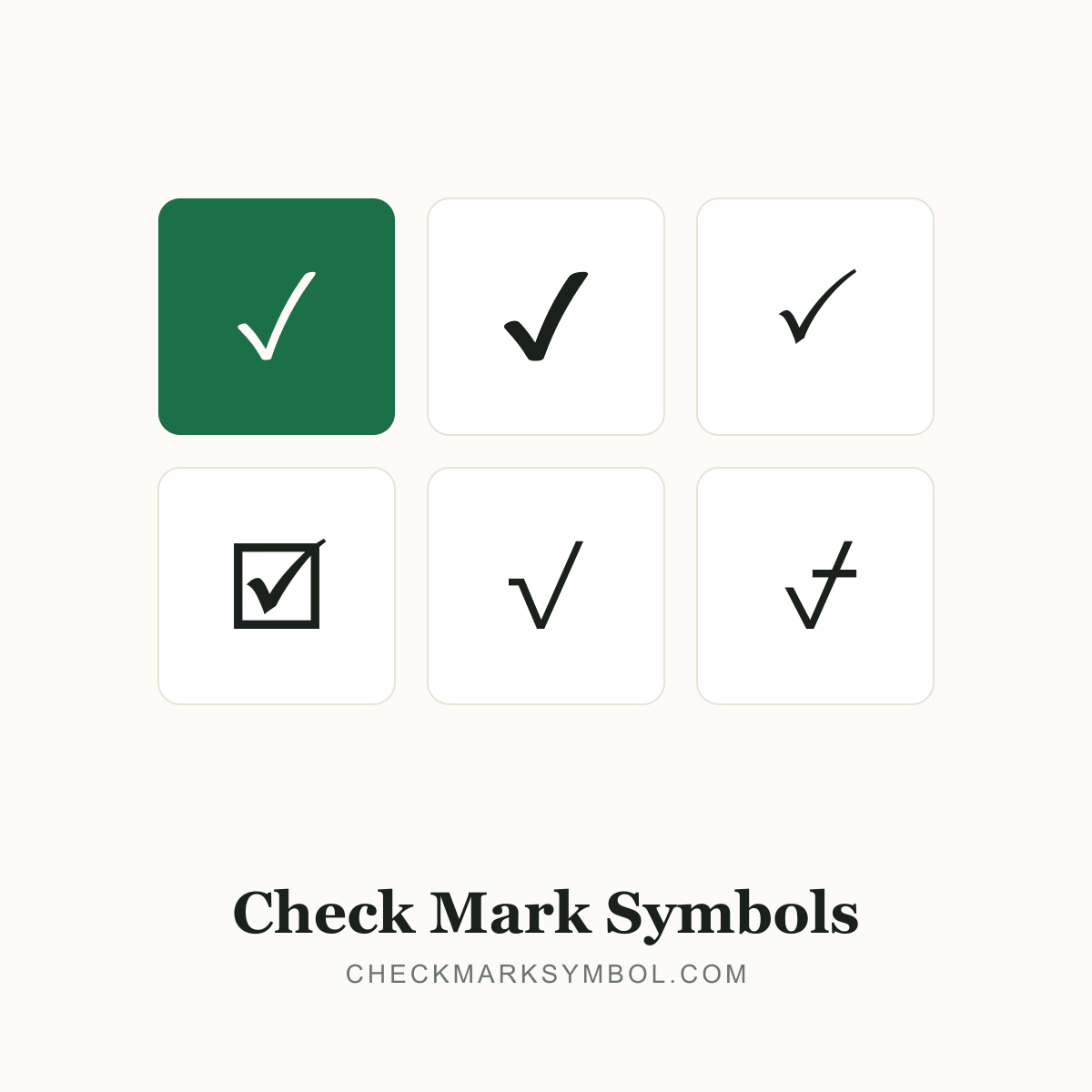
A check mark — also called a tick mark or simply a tick — is a short stroke that dips down and then rises to the right. British and Commonwealth English usually says tick; American English says check mark or checkmark. People write it to mean yes, correct, done or verified, and it has stayed one of the few symbols that reads the same in every language that uses it.
Unicode stores several versions of the same idea. The plain ✓ (U+2713) is the one that inherits the color and size of the text around it, which makes it the safest choice for documents and email. ✔ (U+2714) is the same tick drawn with a heavier stroke, for places where the mark has to survive at small sizes. 🗸 and 🗹 are hand-drawn and boxed variants from the Symbols and Pictographs block, √ is the mathematical square root pressed into service as a tick, and ⍻ is an APL character whose official name is “not check mark”.
Click any tile below to copy it. Every symbol also has its own page with its Unicode name, HTML entity, CSS and JavaScript escapes, and a guide to typing it on Windows, macOS and phones.
Copy check marks
Click a tile to copy it. The symbol arrives as plain text — no styling, no hidden characters.
Check marks with codes
Every member of this family with its Unicode code point, HTML entity and — where one exists — its Windows Alt code.
| Symbol | Name | Unicode | HTML | Alt code |
|---|---|---|---|---|
| Check mark | — | |||
| Heavy check mark | — | |||
| Light check mark | — | |||
| Ballot box with bold check | — | |||
| Square root | ||||
| Not check mark | — |
When to use these
- Use ✓ in letters, lists and forms: it takes the color of the surrounding text, so it never fights the design.
- Use ✔ when the tick must stay legible in a bold heading, a badge or a small label.
- Use √ only as a keyboard shortcut in a hurry — Option+V on a Mac, Alt+251 on Windows — and keep it out of prose where a reader could mistake it for mathematics.
How to type check marks
These characters are not on any English keyboard, but every system has a route to them. Pick your platform:
Windows
- Press Win + . to open the emoji panel and choose the Symbols tab (the Ω icon); the tick marks sit near the end of the symbol set.
- In Word, WordPad or OneNote you can instead type the code point 2713 and press Alt+X to turn it into ✓ in place.
Tip: There is no classic Alt code for ✓. Claims like “Alt+10003” do not work in Windows — the emoji panel and Alt+X are the real routes.
Mac
- Press Control + Command + Space to open the Character Viewer.
- Search for “check mark”, then double-click the tick you want.
Tip: Option+V types √, the closest tick on a US keyboard — handy, but it is the math symbol, not ✓. For a true ✓ use the Character Viewer or copy it here.
iPhone & Android
- Phone keyboards have no ✓ key: the tick simply is not on the emoji or symbols keyboard.
- Tap a tile on this page, then long-press the text field and choose Paste — that is the fastest route on both iOS and Android.
Tip: On iPhone you can also set up a text replacement (Settings → General → Keyboard → Text Replacement) so that typing “chk” expands to ✓.
Prefer the full walkthrough? Read how to type a check mark on Windows, Mac, iPhone and Android.
Check marks questions
What is the check mark symbol?
A check mark is a handwritten-style tick used to mean “yes”, “correct”, “done” or “approved”. Its most common Unicode form is ✓ (U+2713, CHECK MARK); the heavier ✔ (U+2714) is the same idea drawn with a bolder stroke.
Which check mark should I use?
Use ✓ for text, ✔ when the mark needs extra weight, ☑ when it belongs in a box, ✅ when you want the green emoji, and √ only as a quick keyboard stand-in. When two marks sit side by side (✓/✗), make sure shape and not just color tells them apart.
Why does ✓ look different in different fonts?
Unicode defines the character, not the drawing. Each font draws its own tick — some thin and angular, some rounded and calligraphic — so ✓ in Arial, Segoe UI and Georgia are three different shapes with the same code point.
Does the check mark symbol have an Alt code?
No. ✓ is not in the Windows ANSI or OEM code pages, so no Alt+numpad sequence produces it. The working alternatives are Win + . (emoji panel), Alt+X after typing 2713 in Word, or copying the character from this page.