
Heavy Check Mark Symbols
3 symbols · Dingbats and 1 more Unicode block
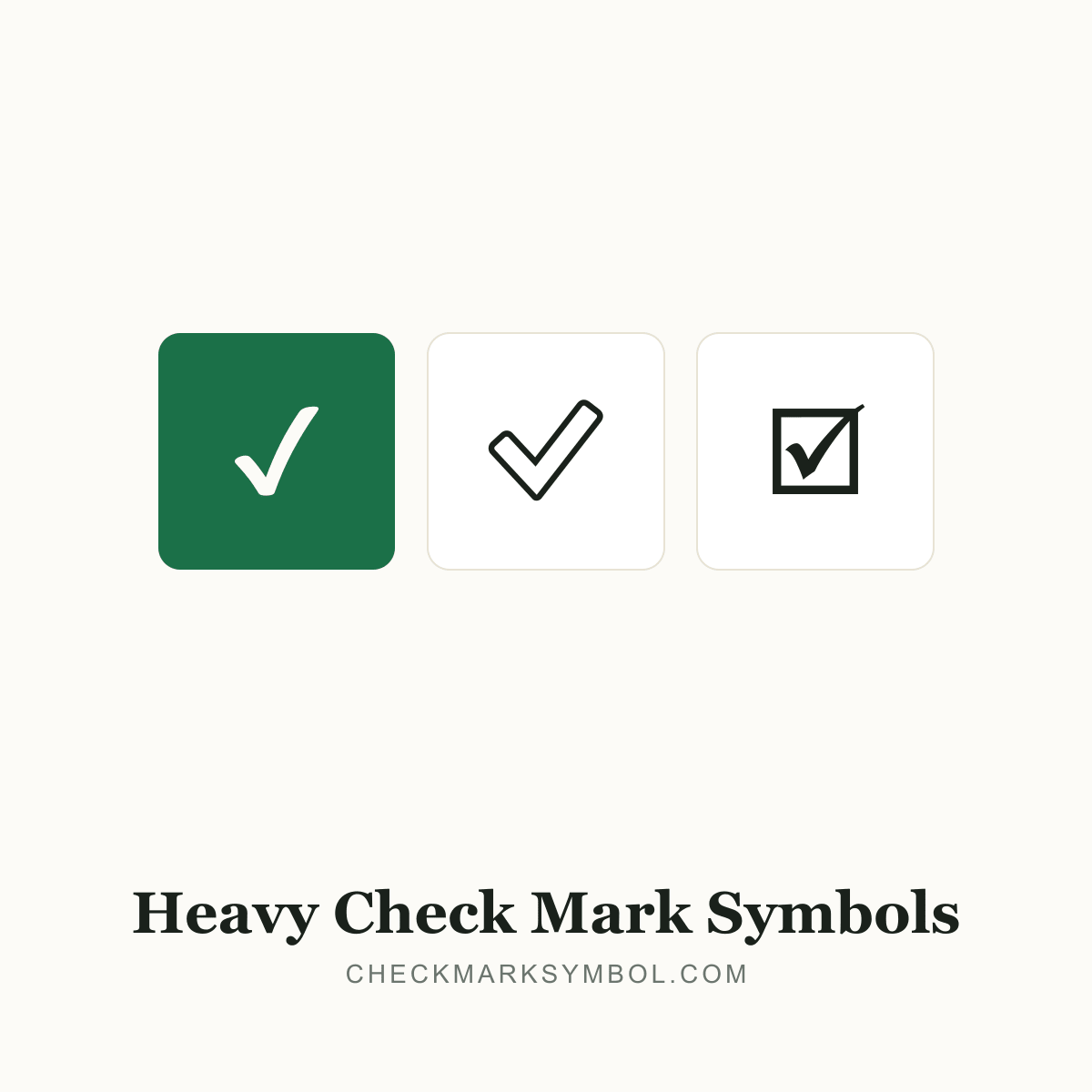
The heavy check mark is the tick with the stroke turned up. ✔ (U+2714, HEAVY CHECK MARK) is the text version: same shape as ✓, drawn with enough weight to stay readable in a 12-pixel label or a bold heading. It is still a plain text character, so it takes the color you give it.
Two relatives belong in the same family. ✅ (U+2705) is the emoji version — a white tick in a green square that phones draw in color, no styling needed. 🗹 (U+1F5F9) is a bold tick inside a box, the heavier cousin of ☑, and it is common in printed forms and ballot-style graphics.
The catch is font support. ✔ and ✅ are everywhere; 🗹 is drawn by far fewer fonts — Segoe UI Symbol and Apple Symbols include it — so check it on a phone before you ship it.
Copy heavy check marks
Click a tile to copy it. The symbol arrives as plain text — no styling, no hidden characters.
Heavy check marks with codes
Every member of this family with its Unicode code point, HTML entity and — where one exists — its Windows Alt code.
| Symbol | Name | Unicode | HTML | Alt code |
|---|---|---|---|---|
| Heavy check mark | — | |||
| White heavy check mark | — | |||
| Ballot box with bold check | — |
When to use these
- Use ✔ in headings, badges and buttons where ✓ would disappear at small sizes.
- Use ✅ in chat, task lists and notifications when you want the mark to carry its own green color.
- Use 🗹 for a boxed, printed-form look with more weight than ☑ — and only where the font is known to include it.
How to type heavy check marks
These characters are not on any English keyboard, but every system has a route to them. Pick your platform:
Windows
- In Word, type 2714 and press Alt+X for the text-style heavy tick.
- Press Win + . and open the Symbols tab to insert ✅, which Windows draws in color.
Tip: Neither ✔ nor ✅ has a classic Alt code. Windows’ emoji panel and Word’s Alt+X are the quickest built-in routes.
Mac
- Press Control + Command + Space to open the Character Viewer (or the emoji picker).
- Search “heavy check mark” for ✔, or “white heavy check mark” for ✅, then double-click it.
Tip: On macOS, ✔ followed by the variation selector U+FE0F becomes the color emoji ✔️; the plain character stays text-style, which is what you want inside a document.
iPhone & Android
- Both iOS and Android emoji keyboards carry ✅ and ✔️; the search field finds them fastest.
- If you need the plain (non-emoji) ✔, copy it from this page — phones normally substitute the color version from the keyboard.
Tip: Pasting ✔ into a messaging app often shows ✔️ because the app applies emoji presentation automatically. That is the app’s choice, not the character’s.
Prefer the full walkthrough? Read how to type a check mark on Windows, Mac, iPhone and Android.
Heavy check marks questions
What is the heavy check mark symbol?
The heavy check mark is ✔ (U+2714, HEAVY CHECK MARK): the same tick as ✓ drawn with a thicker stroke. The name refers to the weight of the glyph, not to bold formatting — the character is heavy even when the surrounding text is not.
Is ✔ an emoji?
It is emoji-capable but text-style by default. On its own, ✔ renders as monochrome text; followed by U+FE0F (the emoji variation selector) it becomes the color emoji ✔️. ✅ (U+2705) is a full color emoji with no extra selector needed.
Why does ✔ turn into ✔️ on my phone?
Many mobile apps and keyboards apply emoji presentation to emoji-capable characters automatically, so the text-style ✔ is drawn with the color emoji font. If you need a plain tick that never turns into emoji, use ✓ (U+2713) instead.